
Blog Coming Soon...
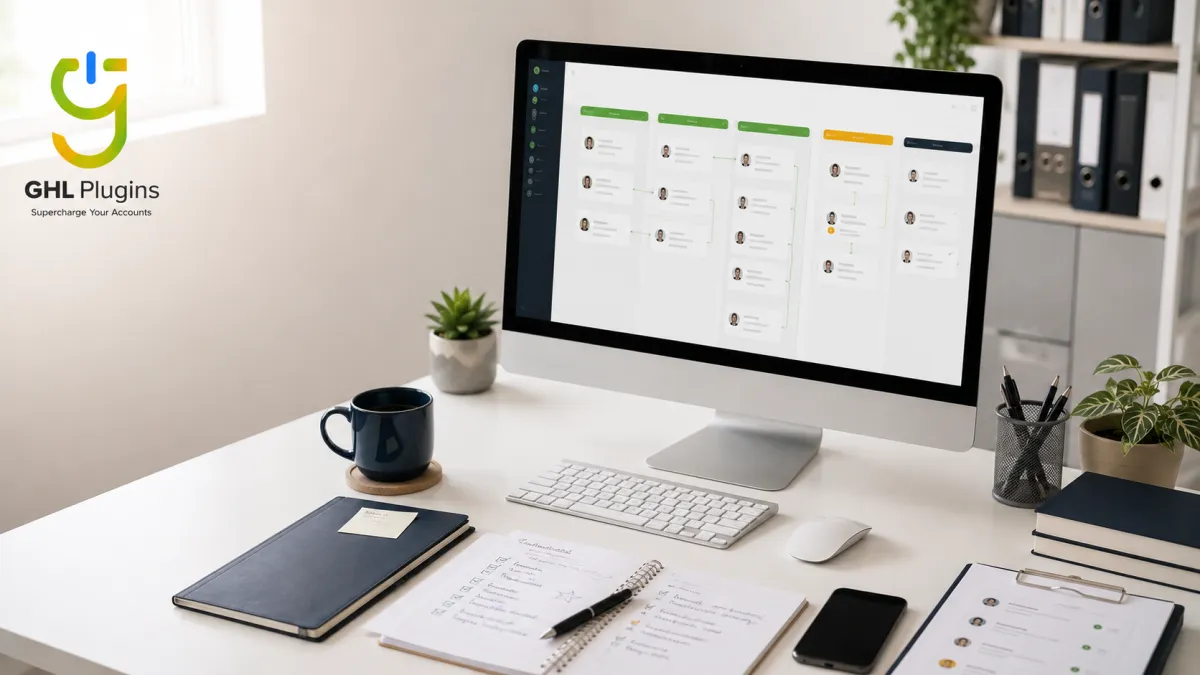
How to Organize Your GoHighLevel CRM Without Losing Leads
Somewhere inside your GoHighLevel account, there is a lead waiting on a reply that never came. You did not forget them on purpose. You just did not see them.
That is the real danger of a messy CRM. It never sends you a warning. It just quietly costs you money, one missed message at a time.
It is 9pm and a lead just went quiet
Think about Sarah. She runs a small agency out of Texas. Her GoHighLevel account had eleven pipeline stages, because she wanted to track everything closely. She had a new tag for every campaign she had ever run. She had custom fields nobody used anymore.
One Monday morning, a lead messaged asking about pricing. The message landed inside an account full of blank tags, old pipelines, and stages that did not match how she actually sold. Two weeks later, Sarah finally found that message. The lead had already signed with someone else.
Sarah did not lose that client because she was careless. She lost him because her CRM had no order left in it. Once you are managing hundreds of leads, a little disorder turns into missed revenue every single week.

A messy CRM never announces itself
This happens to almost every GoHighLevel user eventually. You start with one pipeline and a few tags. Then a workflow gets added here, an automation gets added there. Before long, the system feels less like a tool and more like a maze you built yourself.
A messy CRM does three things quietly.
None of this shows up as an error message. It shows up later, as a lead telling you they never heard back from you.
Nobody plans the mess. It just grows
Most GoHighLevel accounts get messy for one simple reason. Nobody planned the structure before they started building inside it.
Pipelines get created for a single campaign, then never get removed. Tags get added for a one time need, then sit there for years. Custom fields keep multiplying, because adding one feels safer than deleting one.
Over time, the account holds more information than any person can track by memory. A system nobody can track by memory will always drop leads eventually. Not because the person running it is careless, but because no system that complex was ever meant to live in someone's head.
A five step system that keeps every lead visible
Before adding another workflow, tag, or pipeline, simplify the structure you already have. The fix is not more features. GoHighLevel already gives you everything you need. The fix is a structure simple enough that nothing slips through. Here is the exact system we build inside our clients' accounts.
What this looks like in a real account
One of our clients, an agency based in Chicago, cut their pipeline from nine stages down to four and gave every lead an automatic owner. After simplifying the pipeline and assigning ownership automatically, the team was able to respond to leads much faster and keep fewer conversations waiting. Nothing about their offer changed. Only the structure did.

Clean it up yourself, or hand it off
You can absolutely clean this up yourself. A full cleanup can take many hours, especially when the account has old pipelines, duplicate tags, and active workflows. Or you can hand it to someone who already does this daily inside GoHighLevel. We broke down the full cost picture in our GoHighLevel VA vs in house comparison, but here is the short version.
The table below shows what the work usually looks like when you manage it yourself compared with having a dedicated GHL Plugins VA maintain the system.
Mistakes that quietly break a CRM
Your next move
You do not need a perfect CRM. You need one that tells you, every day, exactly who is waiting on a reply and who is not. Start with your pipeline stages. Then fix lead ownership. Then clean out your tags. Small changes, done in the right order, fix most of the mess.
If you set aside one afternoon and work through these five steps, your account will already feel lighter. Every lead sitting quietly in a broken stage becomes one you can actually see again.
If your week does not have an afternoon to spare, that is exactly the kind of work our GoHighLevel VAs handle every day. You can see the full list of what usually gets handed off first in our GoHighLevel VA tasks checklist.
Frequently Asked Questions About GoHighLevel CRM Organization
Received 4.8/5 Stars in Over 10,000+ Reviews.

Digital Ad Copy
A Magical Tool to Optimize you content for the first know who you're targeting. Identify your target.
Digital Ad Copy
A Magical Tool to Optimize you content for the first know who you're targeting. Identify your target.
Digital Ad Copy
A Magical Tool to Optimize you content for the first know who you're targeting. Identify your target.
Questions About our Plugins?
We have Answers!
What are GHL Plugins?
GHL Plugins are specialized software add-ons designed to enhance the functionality of HighLevel (GHL) by adding new features or improving existing ones.
Can I customize the plugins?
Many of our plugins offer customizable options to tailor them to your specific needs. Check the plugin details for customization features
Do you offer any kind of support?
Yes, we provide comprehensive support for all our plugins. You can reach out to our support team via email or live chat.
Is there a trial period?
We offer a 7-day free trial for all our plugins, allowing you to test their features and functionality before committing to a purchase.
Can I use the plugins on multiple GHL accounts?
Our plugins are designed to be used in a single GHL agency. However within your agency you can use them in unlimited subaccounts.
Do you offer custom plugin development?
Yes, we offer custom plugin development services. Contact us with your specific requirements, and we’ll provide a quote and timeline.
What makes GHL Plugins different from others?
Our plugins are designed with a focus on reliability, ease of use, and extensive support. We prioritize customer satisfaction and continuous improvement.
Unlock Exclusive Content & Insights on GHL Plugins
Discover more about GHL Plugins and how they can transform your SAAS business
Are you a SAAS owner who wants help with streamlining client onboarding and task management? With GHL Plugins you can do the impossible. Build productive customized launchpads, and automate custom value updates effortlessly with our powerful plugins.
Follow Us On Social Media

Copyright © 2026