GoHighLevel Health Check: Signs Your Account Needs an Expert Review
Your GoHighLevel account looks fine from the outside. The dashboard loads. New contacts show up. Nobody has complained today.
But fine is not the same thing as healthy.
Some of the most damaged GoHighLevel accounts we have ever opened looked completely normal on the surface. Nothing crashed. Nothing turned red. Nobody got an alert. The system just quietly stopped doing part of its job, and no one noticed for weeks.
That is the strange thing about a CRM. It rarely announces when something breaks. You have to know where to look.
A Real Situation
Why This Happens
A GoHighLevel account is never really finished. It is a living system that keeps changing as your business grows. New workflows get added. Old ones get forgotten. Integrations expire quietly in the background. A VA or freelancer builds something, moves on, and no one is left who fully understands what they built.
According to HighLevel's own support documentation, execution logs and enrollment history exist specifically so you can see how contacts move through a workflow and catch errors early. The tools to catch a problem are already sitting inside your account. Almost nobody opens them unless something visibly breaks first.
This is the real gap. Most business owners check their pipeline. Very few check the machinery running behind it. A workflow can fail silently for months while everything upstream still looks perfectly normal.

Signs Your Account Needs a Review
You do not need to be technical to notice most of these. You just need to know what to look for.
One warning sign on its own is not a crisis. Two or three together, sitting unchecked for a while, usually means something has been quietly draining your pipeline. Use the quick reference below to compare the parts of a healthy account with the warning signs that may need a closer review.
Quick Health Check Reference
Use this as a simple gut check the next time you log into your account.
What a Real Review Catches
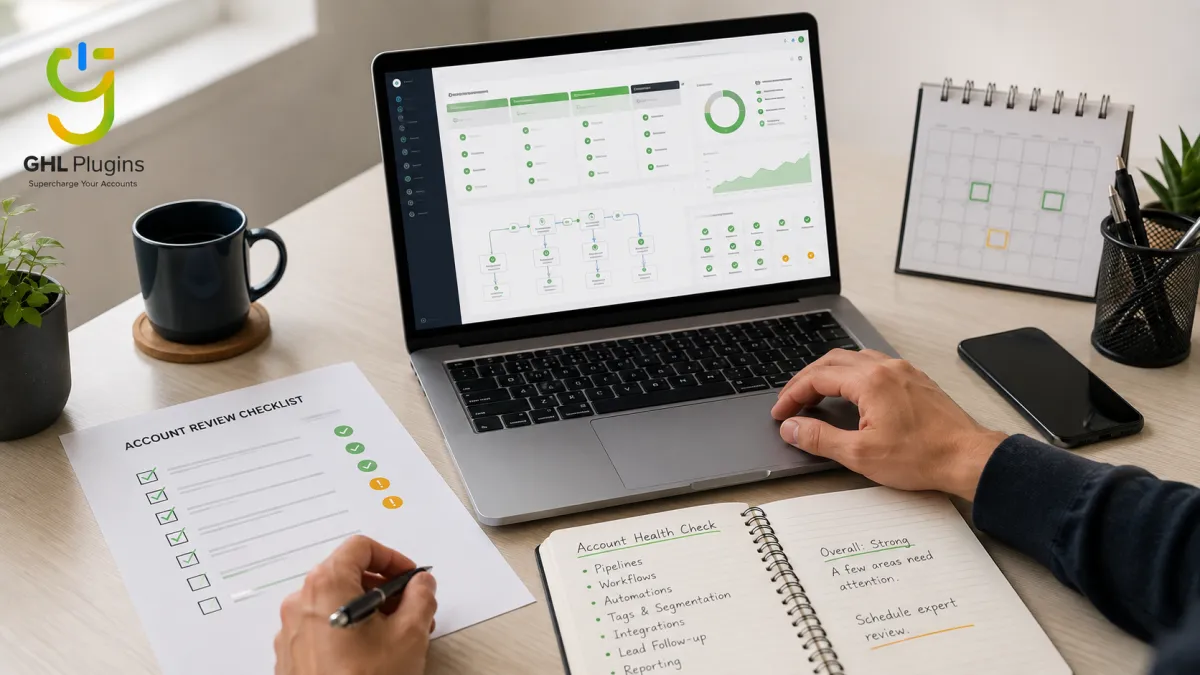
A proper health check does not just glance at the dashboard. It opens the account and checks the parts nobody normally looks at.
It walks through your busiest workflows and reads the execution logs line by line. It checks every connected integration for a quiet disconnect. It looks at deliverability trends over months, not just today. It checks whether leads are actually moving through your pipeline or getting stuck in the same stage. The goal is not only to find problems. It is to document what needs attention, fix the right issues, and make sure the same problem does not quietly return.
This is exactly what happened with Priya. Once someone reviewed her account properly, the disconnected integration took under an hour to find and fix. The hard part was not fixing it. The hard part was that nobody had looked in eleven weeks.

Mistakes to Avoid
Most damaged accounts share the same small habits that let problems grow unnoticed.
Your Action Steps
You can run a basic version of this check yourself in under thirty minutes.
Where This Leaves You
A GoHighLevel account does not stay healthy just because it was built well once. It stays healthy because someone keeps checking it. The businesses that catch problems early are not luckier. They simply have someone looking on a regular schedule.
If you have never checked your execution logs, your integrations, or your stalled pipeline stages, today is a good day to start. It might take thirty minutes. It might save you a client.
If you would rather have someone trained to catch this before it costs you anything, that is exactly what our guide on hiring a GoHighLevel virtual assistant walks you through, including what a properly trained VA should already be checking without being asked.